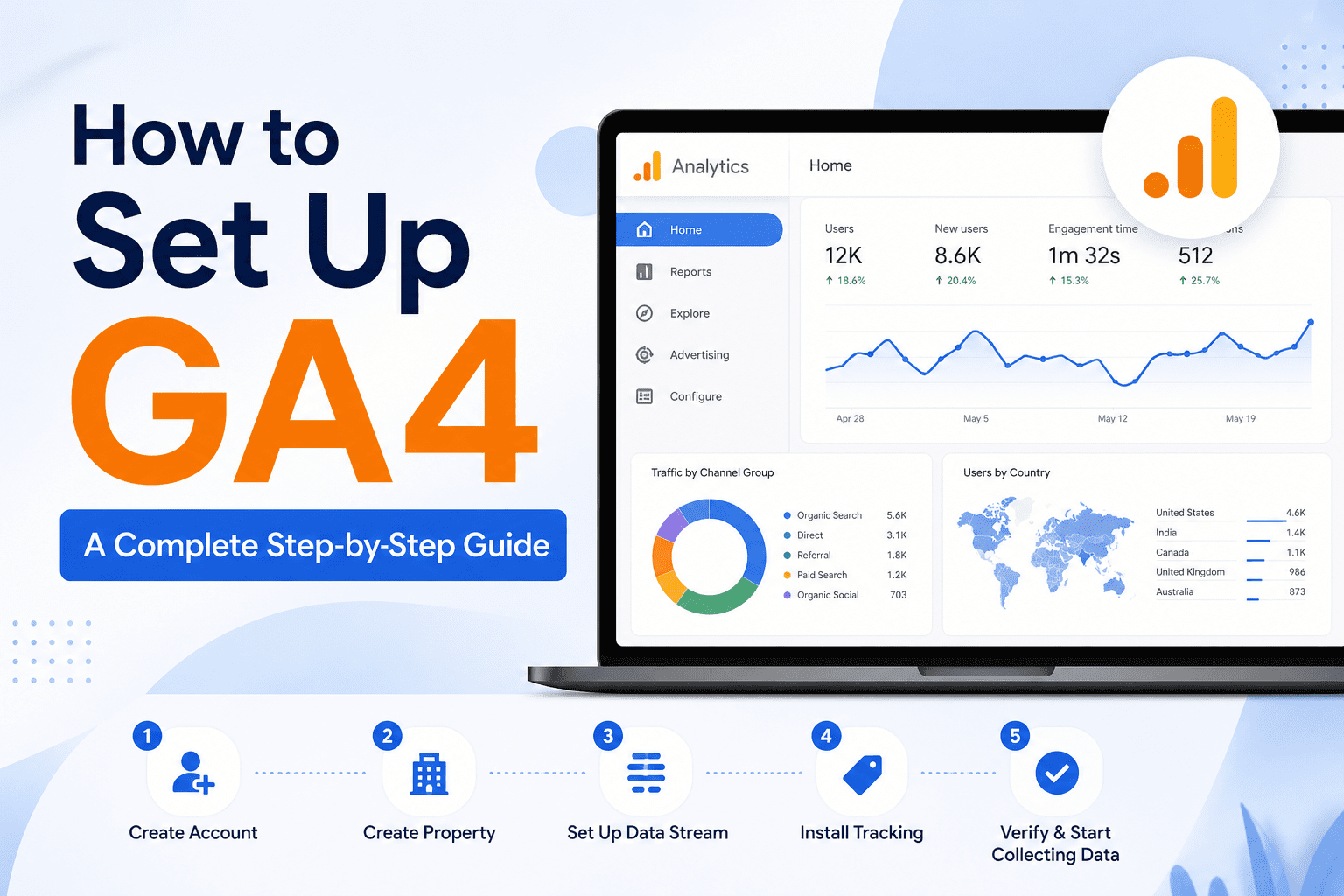
In today’s digital environment, data plays a vital role in making informed business choices. As a result, Google Analytics 4 (GA4) is a powerful tool that enables website and app owners to gather significant insights into how users engage with their platforms. By doing so, it helps businesses better understand user behavior, measure performance, and make data-driven decisions to improve their online presenc. This guide is designed for beginners and outlines how to set up, configure, and use GA4 in an easy-to-follow manner. By following these steps, you will gain a clear understanding of the platform and its features. Ultimately, this will allow you to leverage data analysis effectively and make smarter, data-driven decisions.
First, you need to create a property within your Google Analytics account. Once created, this property serves as the central hub for all the data you collect from your website or app. As a result, it helps organize your tracking setup effectively. Moreover, it is essential for ensuring that your analysis and reports are reliable and accurate.
To begin collecting data, you must add the GA4 tracking code to your website or app.
This code is a snippet of JavaScript that enables GA4 to monitor user interactions. Ensure that you include this code on every page to capture all user activities accurately.
Events are a crucial part of GA4 for understanding user behavior on your site.
Events can include actions such as clicking a button, watching a video, or completing a form. Set up events that align with your business objectives to effectively track user engagement.
Enhanced Measurement is a feature in GA4 that simplifies the tracking of user actions.
It automatically logs important interactions such as clicks on external links and searches on your site without the need for additional code. Enabling this feature helps you better understand user behavior with less effort.
Tracking conversions is an important aspect of evaluating how well your website or app is functioning.
Set up goals and conversion tracking in GA4 to measure specific activities like completed purchases, sign-ups, or form submissions. This provides valuable data that can help you refine and enhance your website performance.
Custom dimensions and metrics allow you to explore data in a way that aligns with your business needs. In addition, they provide greater flexibility when analyzing user interactions and performance data. By using custom dimensions, you can gain more detailed insights into user behavior and, as a result, make strategic adjustments based on your findings. Ultimately, this helps improve decision-making and optimize your overall marketing efforts.
Once your GA4 setup is complete, it is time to review the data you have collected.
GA4 offers various reports that display user behavior, audience demographics, and sources of traffic, among other details. These reports provide the insights needed to make well-informed decisions and enhance your online presence.
In conclusion, following this step-by-step guide will enable you to properly set up, configure, and use GA4.
By utilizing the power of data analytics, you can better understand your audience, improve their experience on your site, and support the growth of your business.